
Ch08_GUI
Yang Haoran 6/11/2019 Java
# javaFX
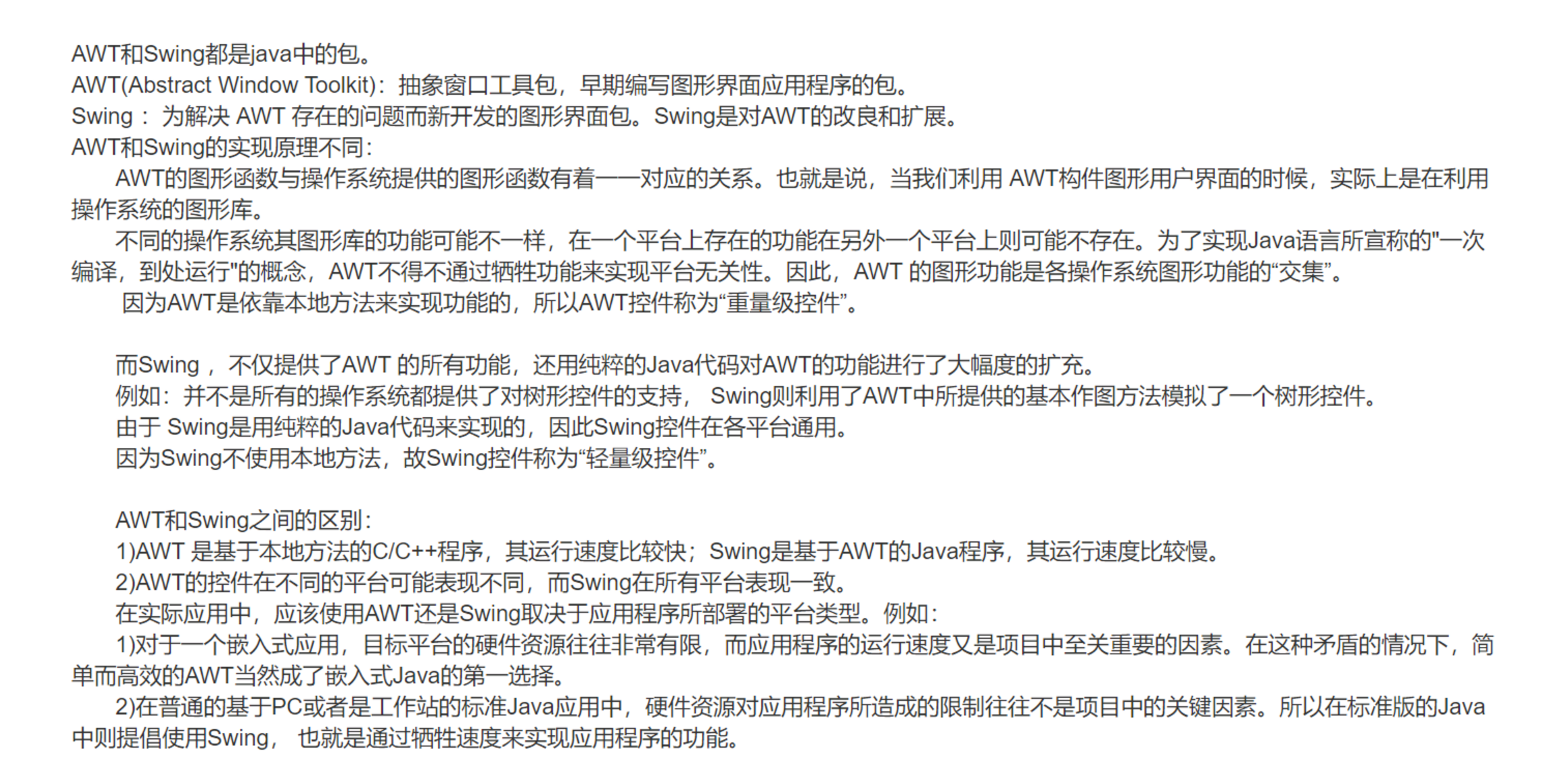
stage--scene--Boarderpane
所有的容器,控件,形状都继承于Node
使用MVC架构
使用scenebuilder来创建布局
- 创建fxml文件,并且用scenebuiler打开,添加完成之后,复制其中自动创建的代码到controller中
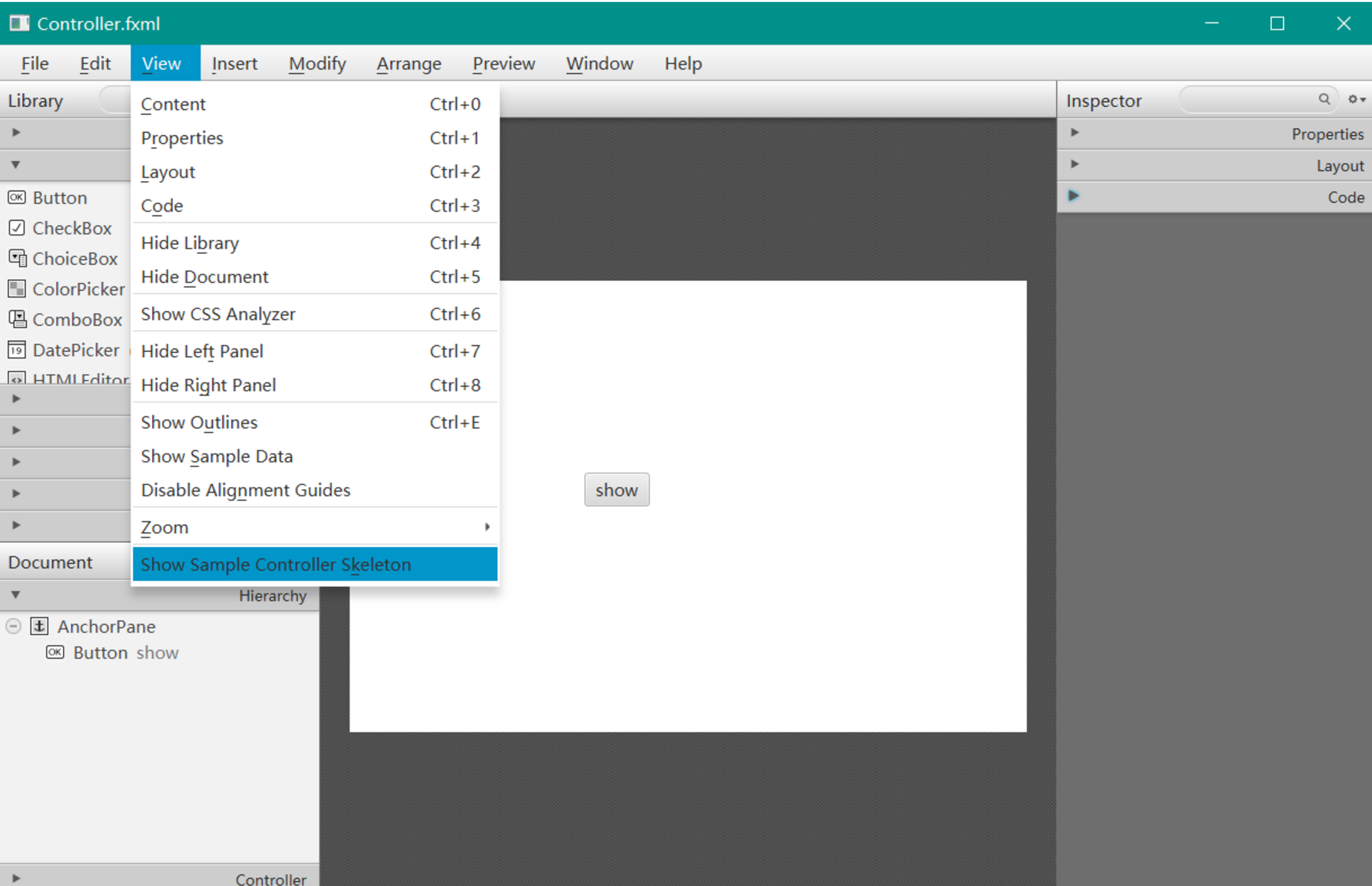
- 保存文件,可能需要修改其中的class路径

- 在main里面添加依赖关系:
package application;

import javafx.application.Application;
import javafx.fxml.FXMLLoader;
import javafx.stage.Stage;
import javafx.scene.Parent;
import javafx.scene.Scene;


public class Main extends Application {
	static private Stage primaryStage;
	@Override
	public void start(Stage primaryStage) {
		try {
			this.primaryStage = primaryStage;
			Parent root = FXMLLoader.load(getClass().getResource("Controller.fxml"));
			primaryStage.setTitle("calculater");
			Scene scene = new Scene(root,400,400);
			scene.getStylesheets().add(getClass().getResource("application.css").toExternalForm());
			primaryStage.setScene(scene);
			primaryStage.show();
		} catch(Exception e) {
			e.printStackTrace();
		}
	}

	public static void main(String[] args) {
		launch(args);
	}
}
1
2
3
4
5
6
7
8
9
10
11
12
13
14
15
16
17
18
19
20
21
22
23
24
25
26
27
28
29
30
31
32
2
3
4
5
6
7
8
9
10
11
12
13
14
15
16
17
18
19
20
21
22
23
24
25
26
27
28
29
30
31
32
- 绘制3d图形,并让他自动旋转(在fxml的基础上手动添加)
public void start(Stage primaryStage) {
		try {
			this.primaryStage = primaryStage;
			FXMLLoader loader = new FXMLLoader(getClass().getResource("Controller.fxml"));
			Group group = new Group();
			group.getChildren().add(loader.load());//使用Group是为了可以手动添加元素
			Box box = new Box(50, 50, 50);//新建一个立方体
			box.setVisible(true);
			box.setLayoutX(107.0);//设置位置
			box.setLayoutY(287.0);
			Rotate ro = new Rotate(5, 5, 5, 5);//设置旋转的中心点
			ro.setAxis(new Point3D(1, 1, 1));//设置旋转轴
			box.getTransforms().add(ro);//把box与旋转依赖起来
			KeyValue kv1 = new KeyValue(ro.angleProperty(), 0);
			KeyFrame kf1 = new KeyFrame(Duration.seconds(0), kv1);//设置第一个位置和时间
			KeyValue kv2 = new KeyValue(ro.angleProperty(), 360);
			KeyFrame kf2 = new KeyFrame(Duration.seconds(2), kv2);//设置第二个位置和时间
			Timeline timeline = new Timeline();
			timeline.getKeyFrames().addAll(kf1, kf2);//新建时间线
			timeline.setAutoReverse(false);
			timeline.setCycleCount(Timeline.INDEFINITE);//无限循环
			group.getChildren().add(box);//添加组件
			primaryStage.setTitle("calculater");
			Scene scene = new Scene(group);
			PerspectiveCamera camera = new PerspectiveCamera();
			scene.setCamera(camera);
			scene.getStylesheets().add(getClass().getResource("application.css").toExternalForm());
			primaryStage.setScene(scene);
			primaryStage.show();
			timeline.play();//开始旋转
		} catch (Exception e) {
			e.printStackTrace();
		}
	}
1
2
3
4
5
6
7
8
9
10
11
12
13
14
15
16
17
18
19
20
21
22
23
24
25
26
27
28
29
30
31
32
33
34
2
3
4
5
6
7
8
9
10
11
12
13
14
15
16
17
18
19
20
21
22
23
24
25
26
27
28
29
30
31
32
33
34