
Ch06 Ajax
Yang Haoran 1/28/2020 JavaSpring
# Ajax

jQuery.ajax(...)
      部分参数:
            url:请求地址
            type:请求方式,GET、POST(1.9.0之后用method)
        headers:请求头
            data:要发送的数据
    contentType:即将发送信息至服务器的内容编码类型(默认: "application/x-www-form-urlencoded; charset=UTF-8")
          async:是否异步
        timeout:设置请求超时时间(毫秒)
      beforeSend:发送请求前执行的函数(全局)
        complete:完成之后执行的回调函数(全局)
        success:成功之后执行的回调函数(全局)
          error:失败之后执行的回调函数(全局)
        accepts:通过请求头发送给服务器,告诉服务器当前客户端可接受的数据类型
        dataType:将服务器端返回的数据转换成指定类型
          "xml": 将服务器端返回的内容转换成xml格式
          "text": 将服务器端返回的内容转换成普通文本格式
          "html": 将服务器端返回的内容转换成普通文本格式,在插入DOM中时,如果包含JavaScript标签,则会尝试去执行。
        "script": 尝试将返回值当作JavaScript去执行,然后再将服务器端返回的内容转换成普通文本格式
          "json": 将服务器端返回的内容转换成相应的JavaScript对象
        "jsonp": JSONP 格式使用 JSONP 形式调用函数时,如 "myurl?callback=?" jQuery 将自动替换 ? 为正确的函数名,以执行回调函数
1
2
3
4
5
6
7
8
9
10
11
12
13
14
15
16
17
18
19
20
21
2
3
4
5
6
7
8
9
10
11
12
13
14
15
16
17
18
19
20
21
jsp
<%@ page contentType="text/html;charset=UTF-8" language="java" %>
<html>
<head>
    <title>AJAX</title>
    <script src="${pageContext.request.contextPath}/statics/js/jquery-3.6.0.js"></script>
</head>
<body>
<script>
    function a(){
        $.ajax({
            method:"post",
            url:"${pageContext.request.contextPath}/ajax",
            data:{"name": $("#username").val()},
            success: function (data){
                alert(data);
            }

        })
    }
</script>
<%--失去焦点的时候发起请求--%>
<input id="username" type="text" onblur="a()">

</body>
</html>
1
2
3
4
5
6
7
8
9
10
11
12
13
14
15
16
17
18
19
20
21
22
23
24
25
2
3
4
5
6
7
8
9
10
11
12
13
14
15
16
17
18
19
20
21
22
23
24
25
Controller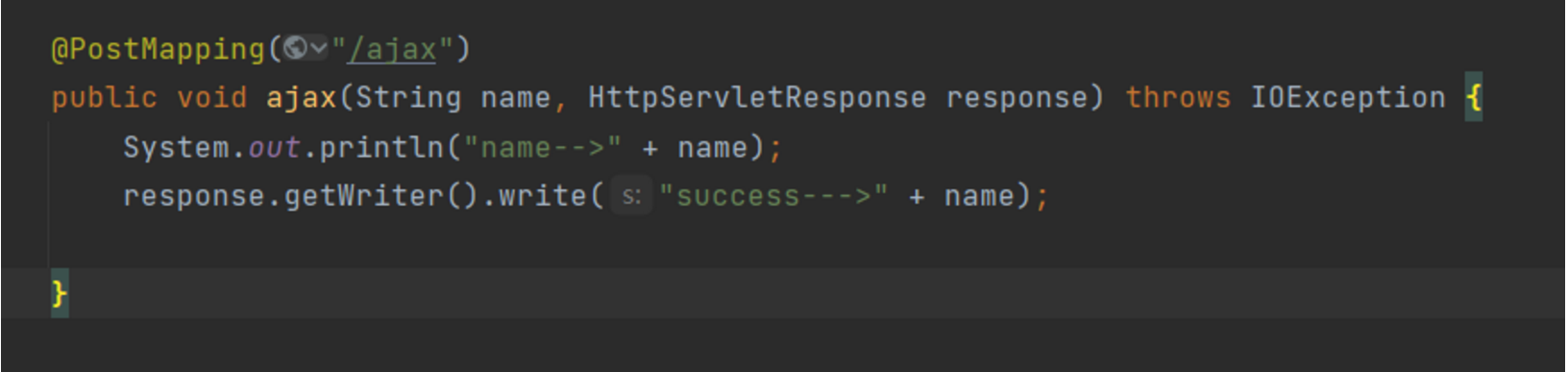
注意js入口函数,在页面加载完成后执行:
传对象:
前端jsp:
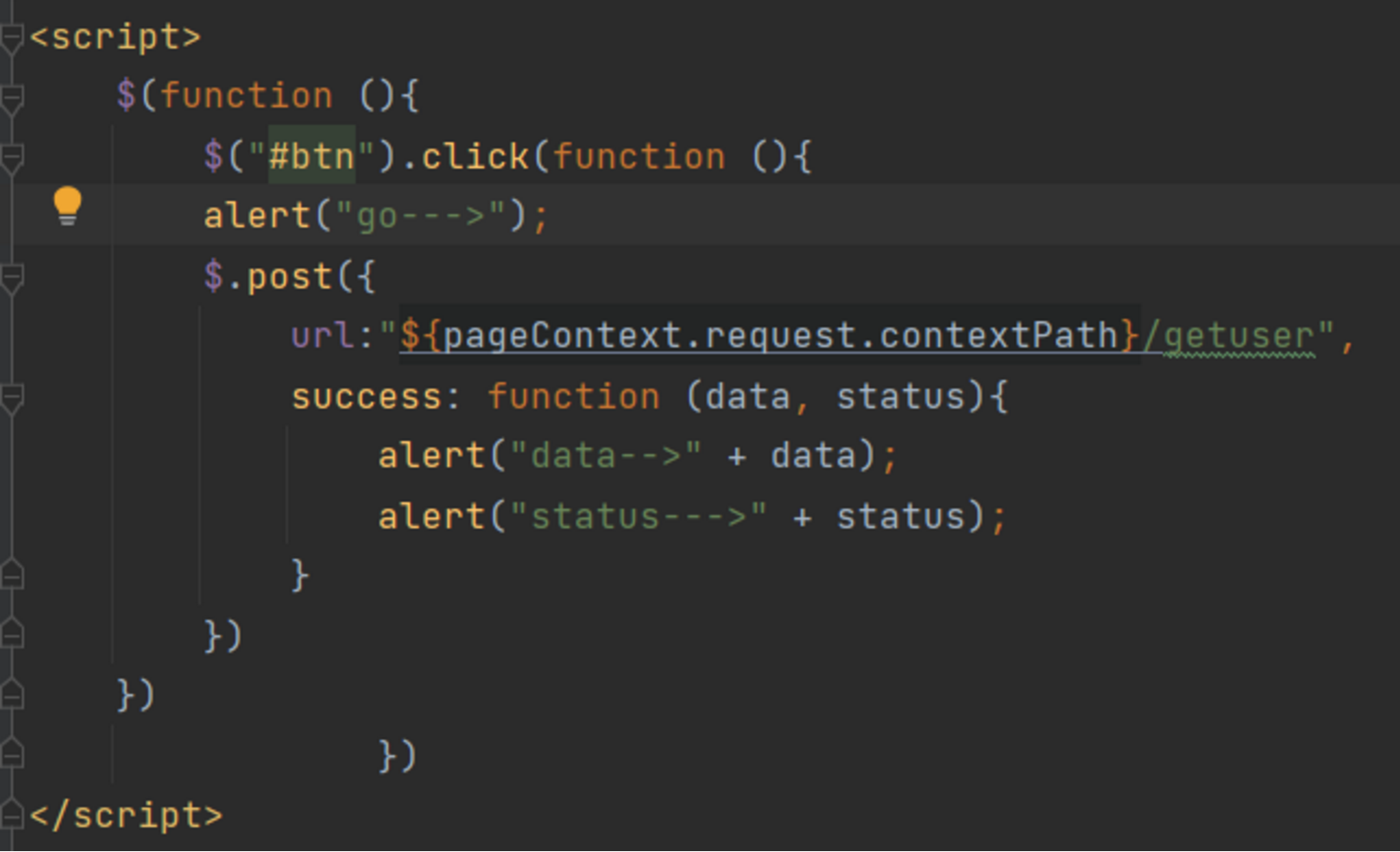
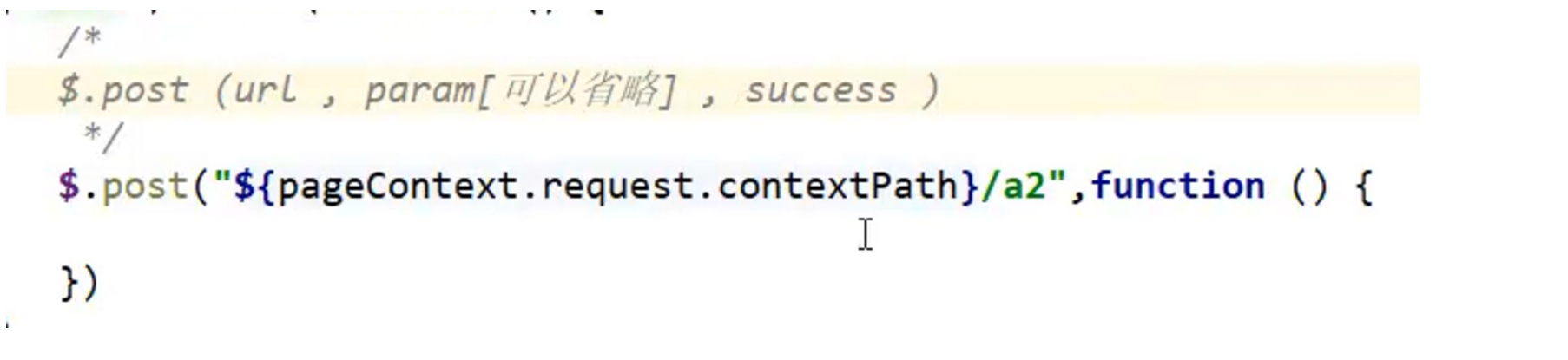
controller:
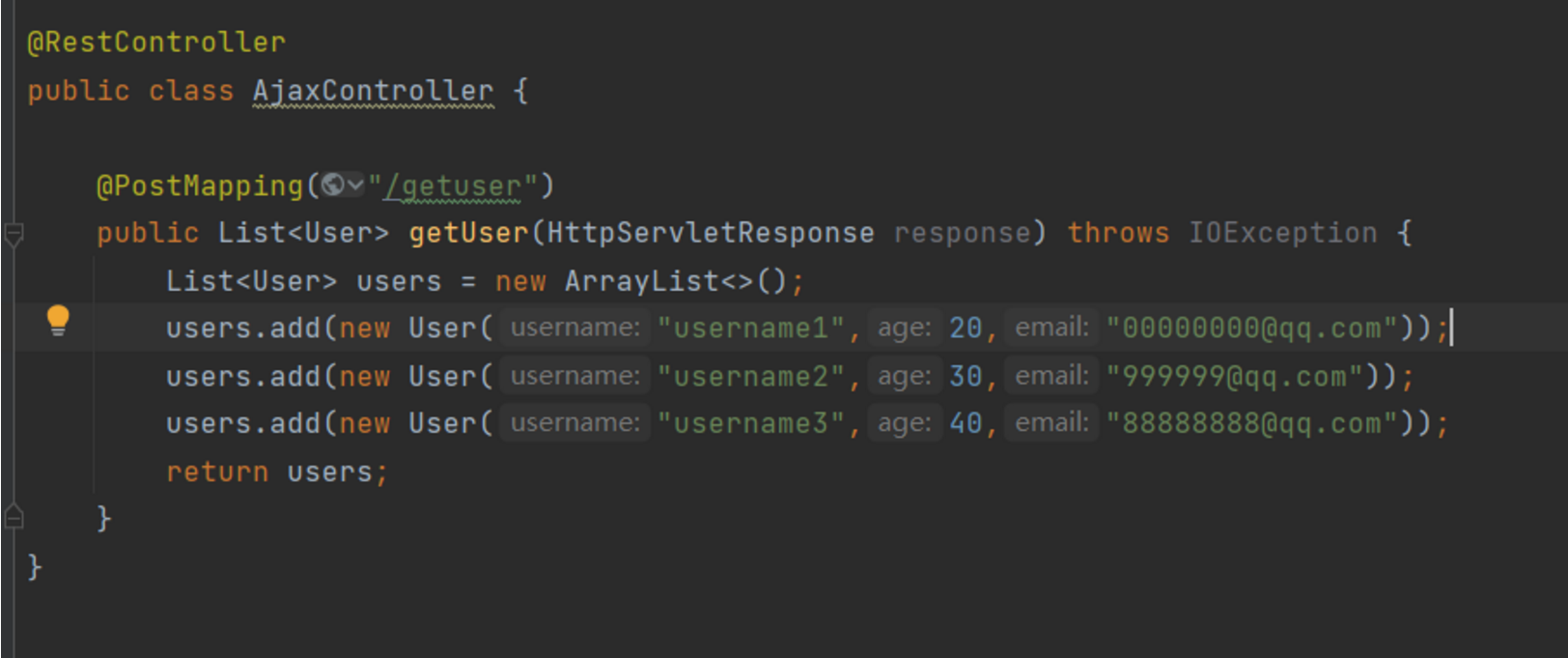
前端:
<%@ page contentType="text/html;charset=UTF-8" language="java" %>
<html>
<head>
    <title>User</title>
    <script src="${pageContext.request.contextPath}/statics/js/jquery-3.6.0.js"></script>
</head>
<body>
<script>
    $(function (){
        $("#btn").click(function (){
        alert("go--->");
        $.post({
            url:"${pageContext.request.contextPath}/getuser",
            success: function (data, status){
                alert("data-->" + data);
                console.log(data);
                alert("status--->" + status);
                var html = "";
                for(let i = 0; i < data.length;i++){
                    html+= "<tr>"
                        +"<td>" +data[i].username  + "</td>"
                        +"<td>" +data[i].age  + "</td>"
                        +"<td>" +data[i].email  + "</td>"
                        + "</tr>"
                }
                $("#content").html(html);
            }
        });
    })
                })
</script>
<button id="btn" >Get user!</button>
<table>
    <tr>
        <td>username</td>
        <td>age</td>
        <td>email</td>
    </tr>
    <tbody id="content">
<%--    后台数据--%>
    </tbody>
</table>


</body>
</html>
1
2
3
4
5
6
7
8
9
10
11
12
13
14
15
16
17
18
19
20
21
22
23
24
25
26
27
28
29
30
31
32
33
34
35
36
37
38
39
40
41
42
43
44
45
46
2
3
4
5
6
7
8
9
10
11
12
13
14
15
16
17
18
19
20
21
22
23
24
25
26
27
28
29
30
31
32
33
34
35
36
37
38
39
40
41
42
43
44
45
46
设置css:
